Logging into your Hosted~FTP~ account can be done through two methods. You can use our secure web-browser interface to manage your account, regulate authorization, and permissions, create, or configure users, manage your folders, and monitor your account via logs. Alternatively, logging in can also be done via any mobile or desktop FTP client to transfer multiple files simultaneously and change your folder structure.
1. Log in by Web Browser:#
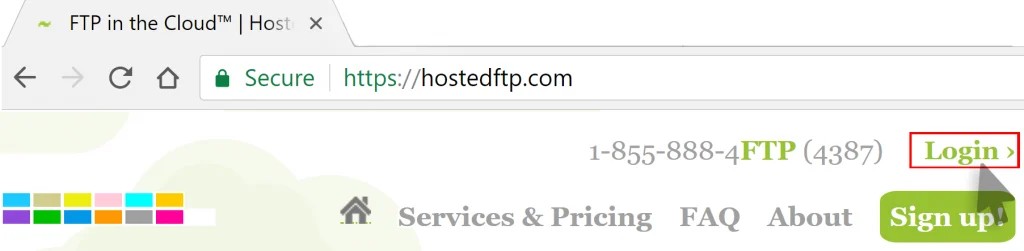
1. Go to http://hostedftp.com and click the Login link at the top right.
The login page will appear and you can add a bookmark.
The login page will appear and you can add a bookmark.
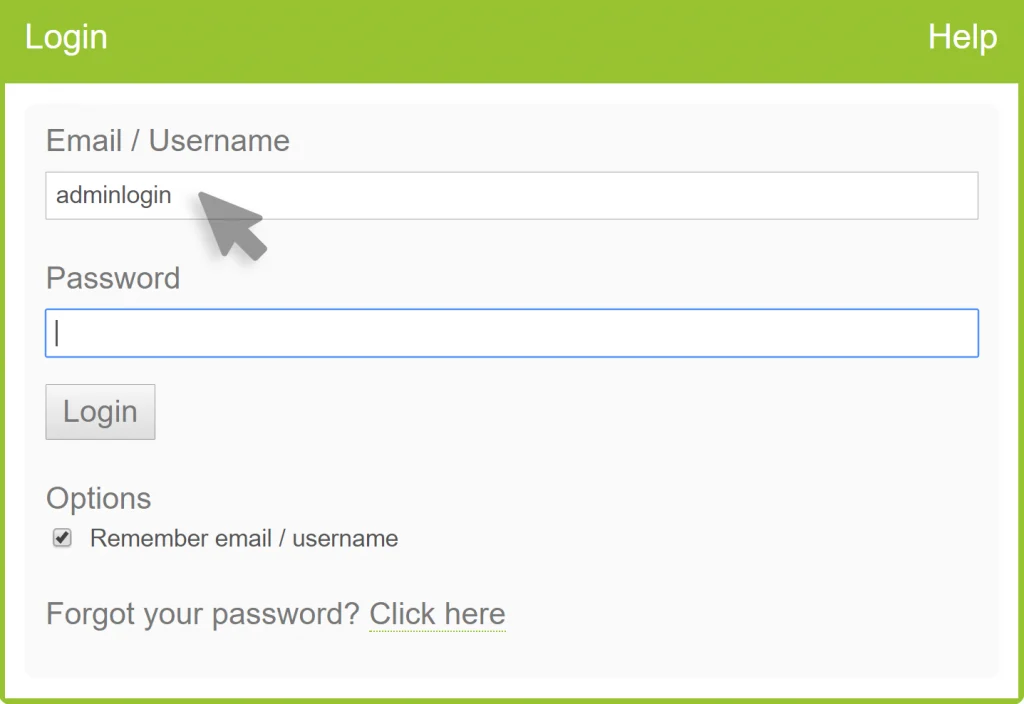
2. Enter your email address and Hosted~FTP~ password.
Check the box Remember my email address if you don’t want to type your email address on your next visit
Check the box Remember my email address if you don’t want to type your email address on your next visit
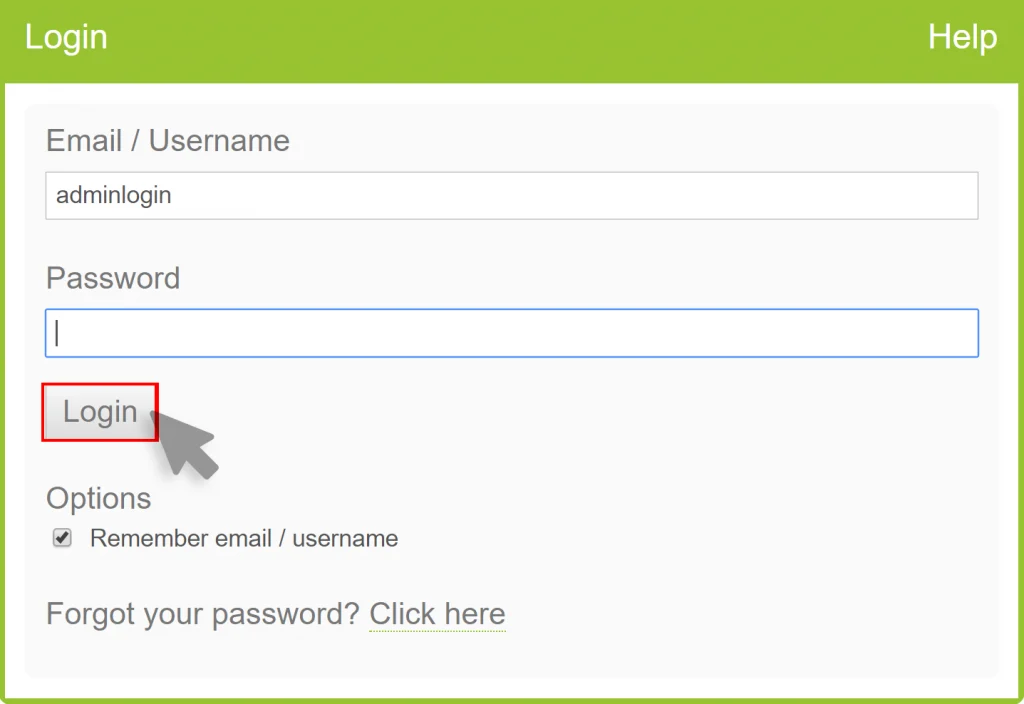
3. Click Login
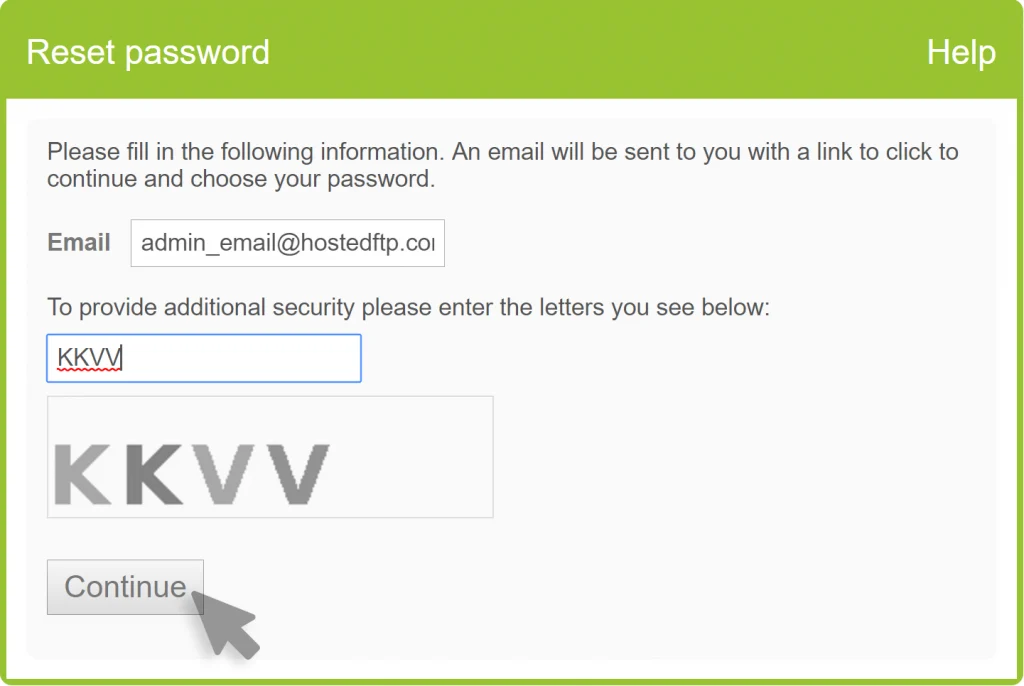
If you are authorized to reset your password by the admin, you can use the Forgot Password link
2. Log in to your account via FTP client:#
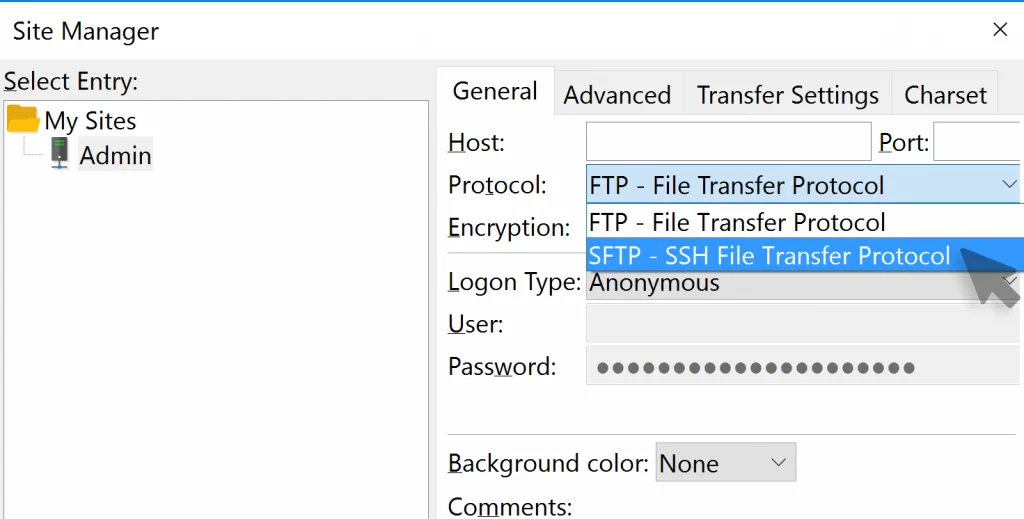
1. Choose your protocol
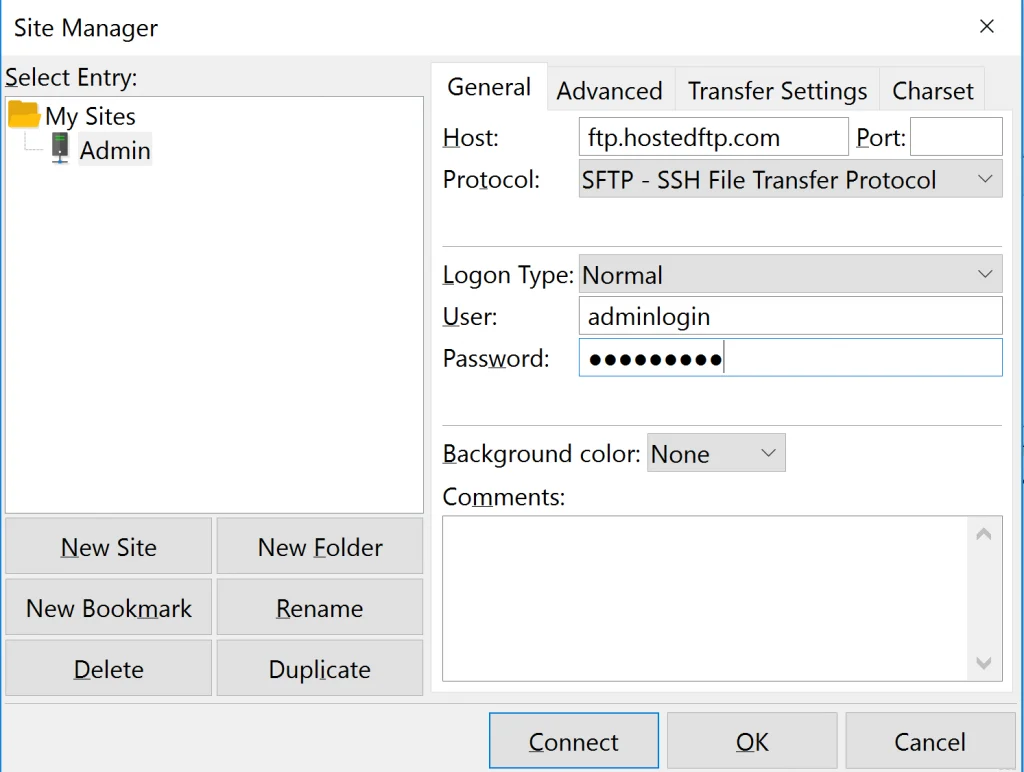
2. Input your login credentials
3. Connect
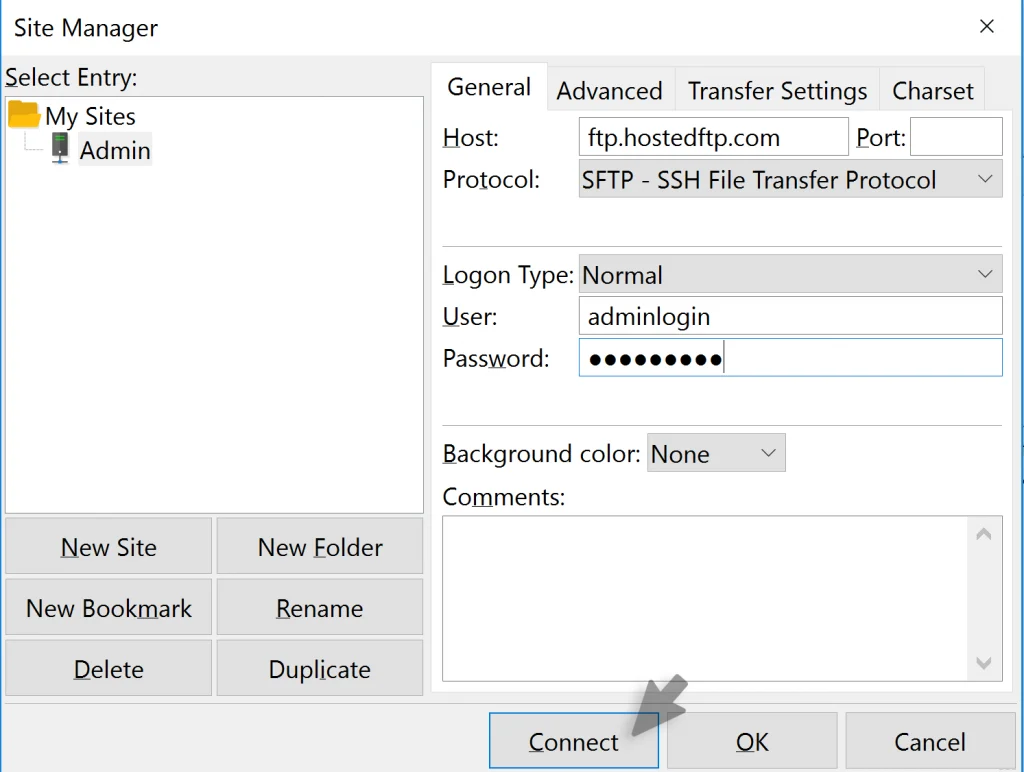
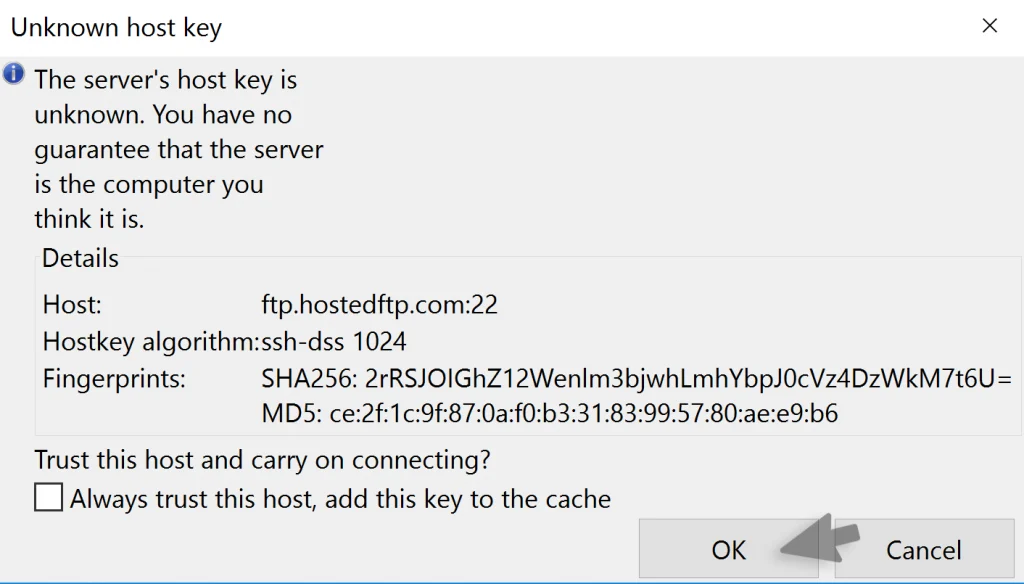
Note: You may need to say yes to trusting the host key before you can connect.