For restricted shared folders, Hosted~FTP~ best practice is to allocate a 0GB storage quota to the user. This restricts the user to only uploading files to shared folders and ensures that the user does not consume any storage resources in their personal files work-space.
Follow the instructions below for setting 0gb storage for a user.
1. Login as the admin and go to the “Users” tab.

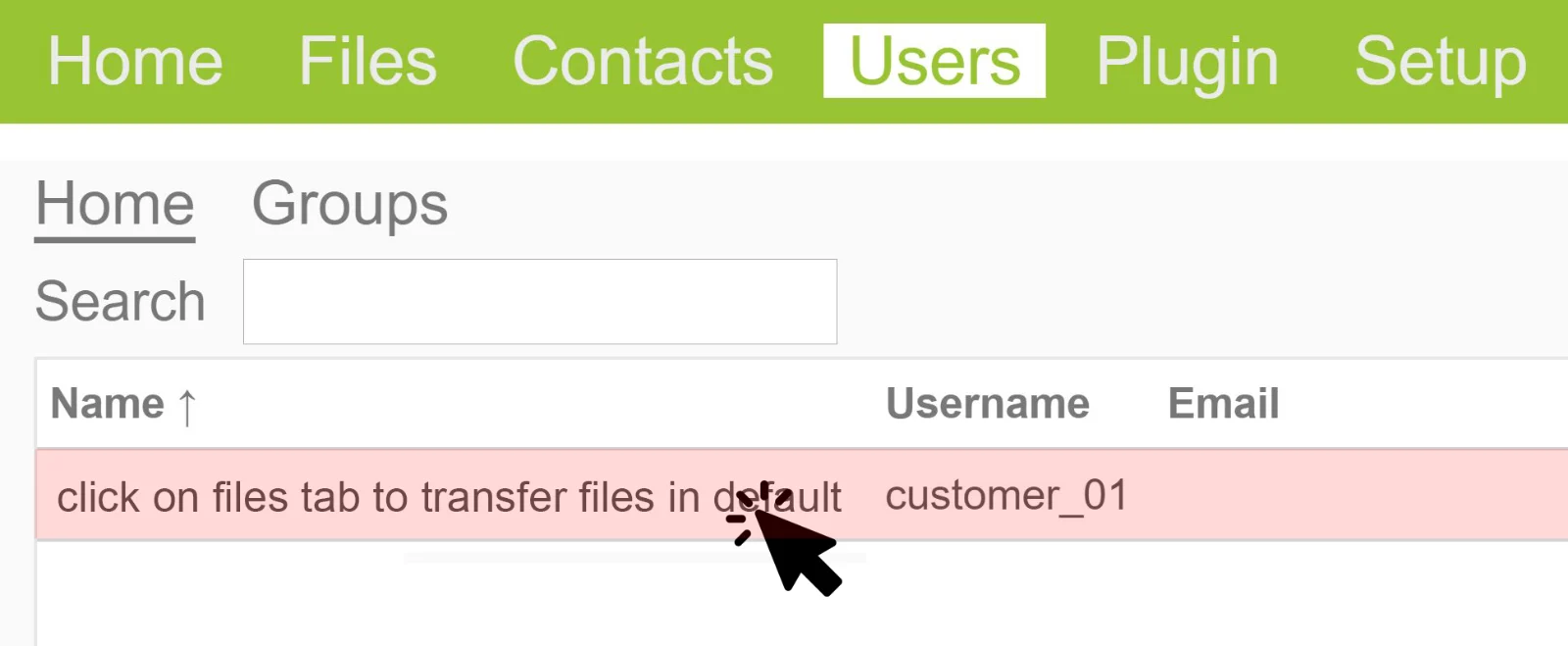
2. Select the user you want to add a storage quota to
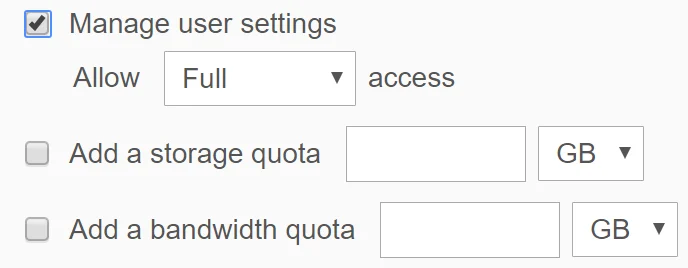
3. The best practice is to check “Manage user settings” to remove the Setup tab from the user
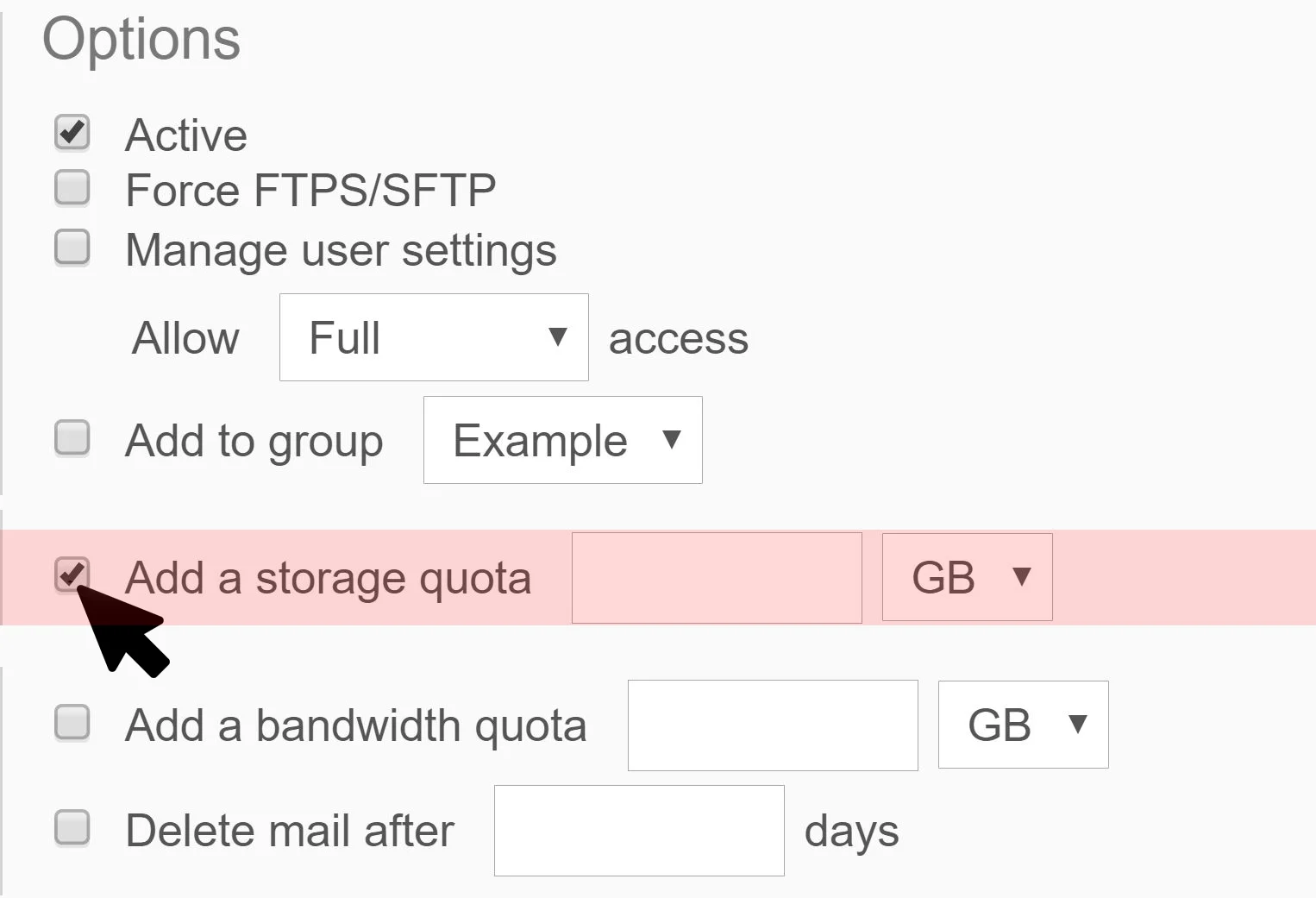
4. Check “add a storage quota” and put “0” in the text box
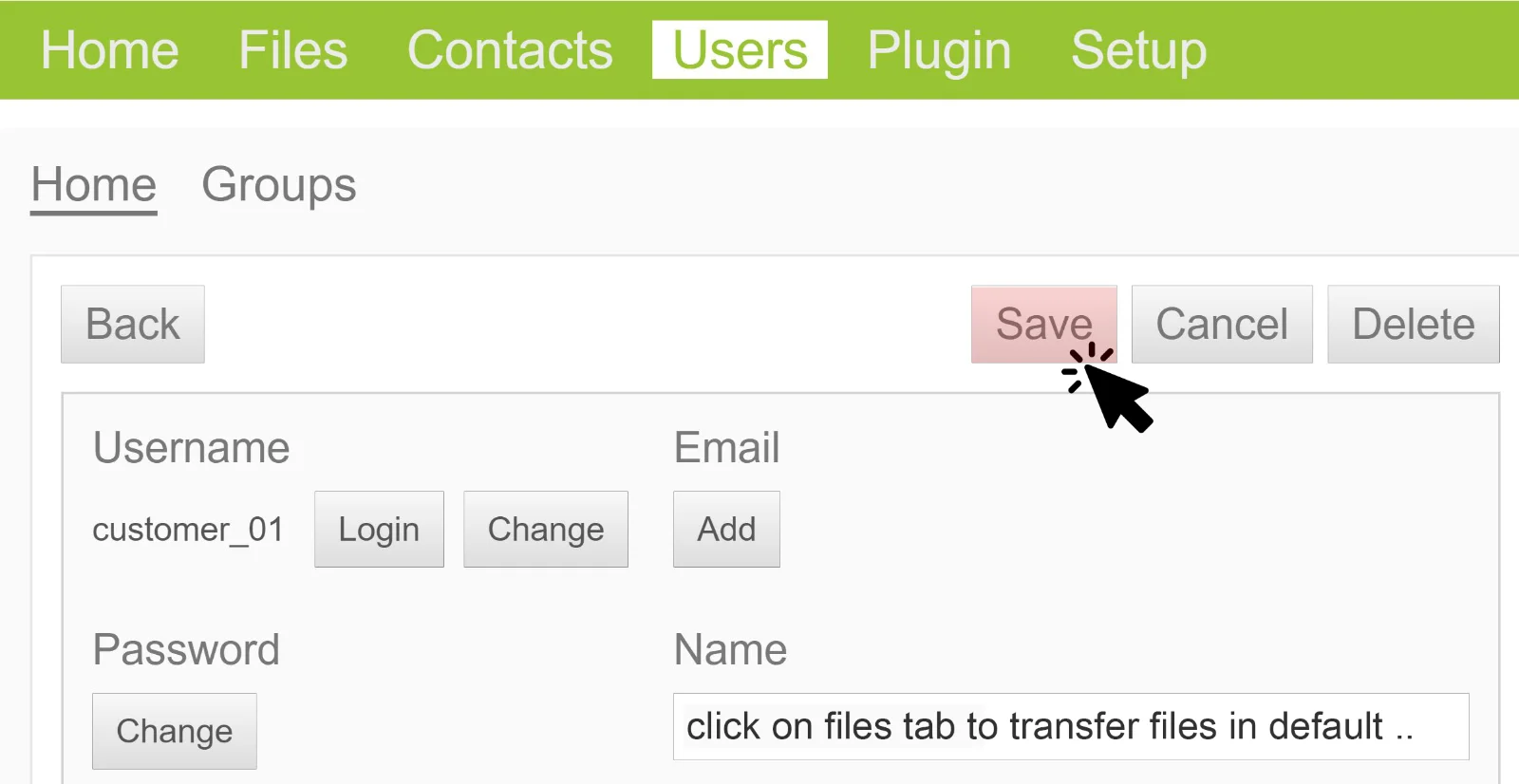
5. Save to finalize your changes